
All plug-ins
John’s Guitar
Guitar effects chain
Rhythm NEW 2 loads the settings from John’s guitar track, including the EQ curve and the final +1.9 dB trim. Bypass the chorus to hear the pick attack without the stereo spread.
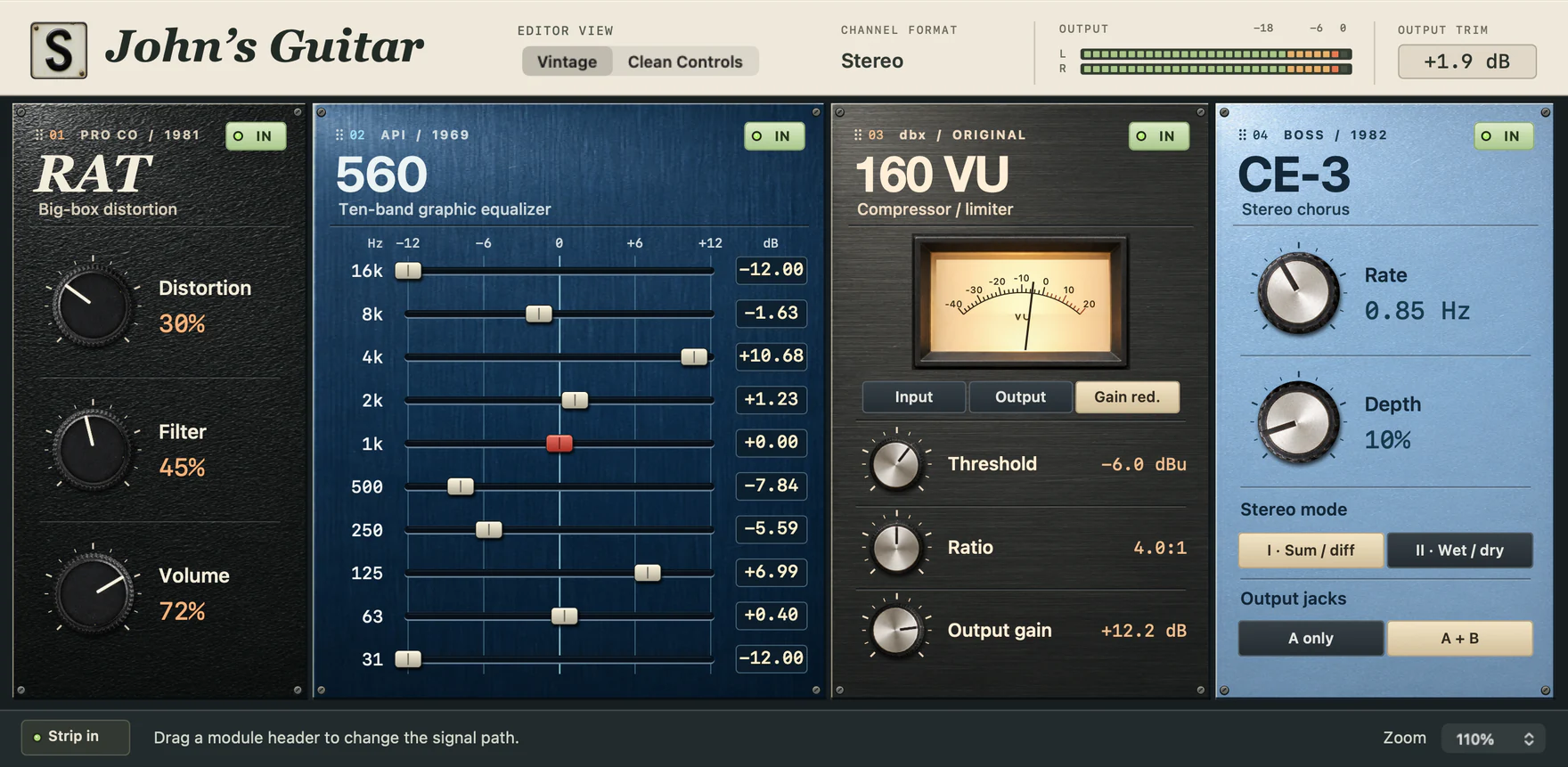
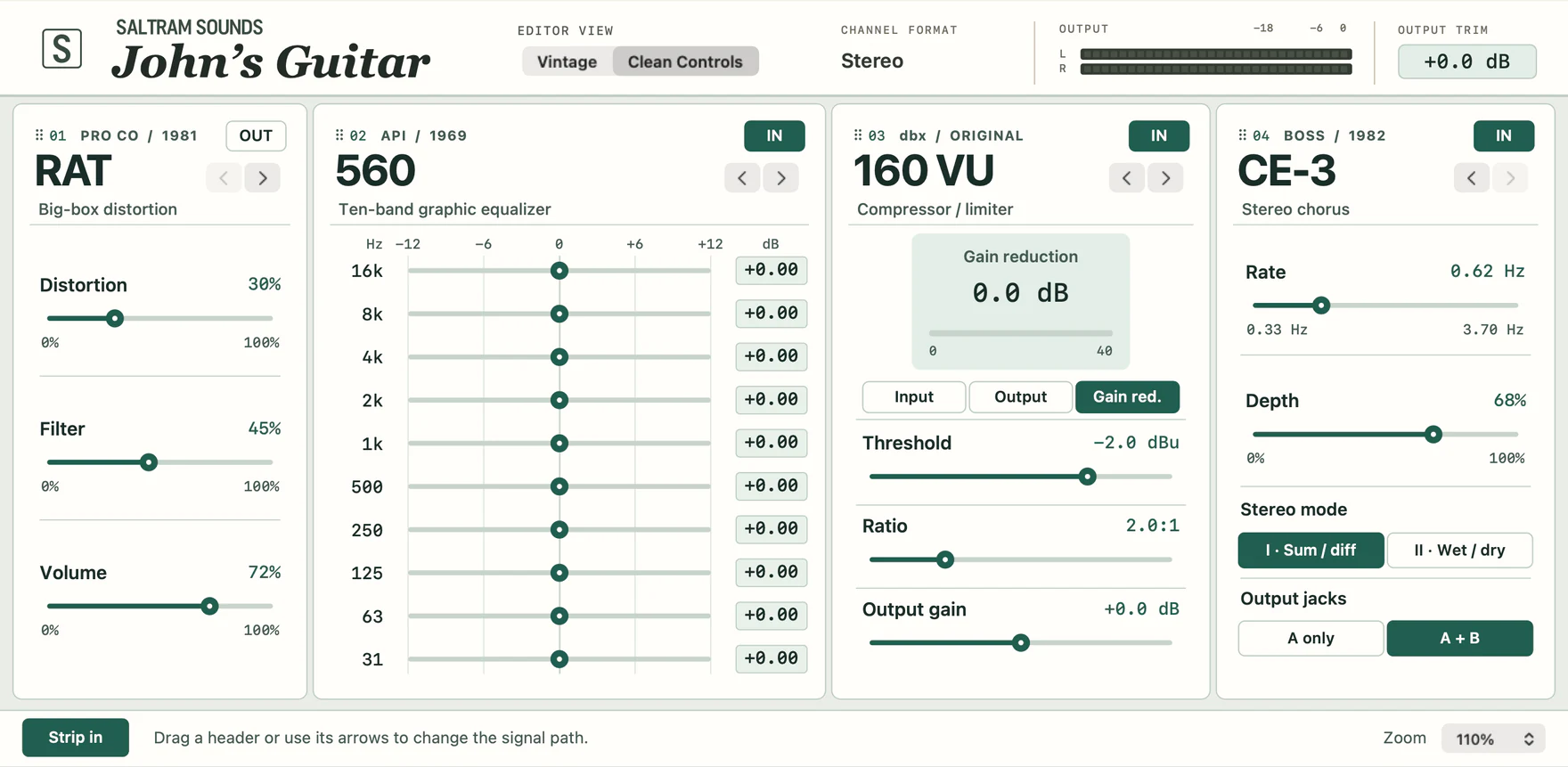
Four effects on one rhythm track
The distortion ran into the ten-band EQ, then the compressor and chorus. John’s Guitar keeps the four together so the part can be recalled with one insert. Each effect still has its own controls and bypass.
- Distortion and EQ
- A RAT-style clipping stage and a ten-band graphic give you two ways to shape the bite. Swap their order to change which frequencies hit the distortion hardest.
- Compression
- A hard-knee, RMS-sensing 160-style compressor catches the body of a chord. Change the threshold while you watch the gain-reduction meter.
- Stereo chorus
- Choose a mono-to-stereo insert to hear both outputs of the CE-3-style chorus. Mode II puts the modulated signal on one side and the direct signal on the other.
Keep the pick, widen the tail
- Open a mono-to-stereo instance on a guitar track and load Rhythm NEW 2. Play a few short downstrokes.
- Switch the chorus out and back in. Listen to the centre of the pick attack and to the two sides as the chord decays.
- Choose the A + B chorus output. Compare its two modes, then check the result in mono.
What’s modelled
The four effects model documented circuits and controls. They have yet to be matched to individual physical units. The chain contains effects only. Bring your own amp or cabinet sound if the part needs one.
A rhythm part, then the chorus return
Listen to the pick attack in the centre and the movement on either side of it.
- Dry
- Dry rhythm phrase
- Processed
- Rhythm NEW 2
Audio demo pending.
Specifications
- Format & version
- AUv2 · 1.2.4
- Build target
- macOS 13 or later
- Processor
- Apple silicon & Intel
- Channel layouts
- Mono, mono to stereo, stereo