
Spool Eight
Recording rack
Boost the top of a drum loop on the way to tape, then take the same shelf back out on playback. Quiet hits come back close to where they started. Hit the tape harder and the bright peaks round over.
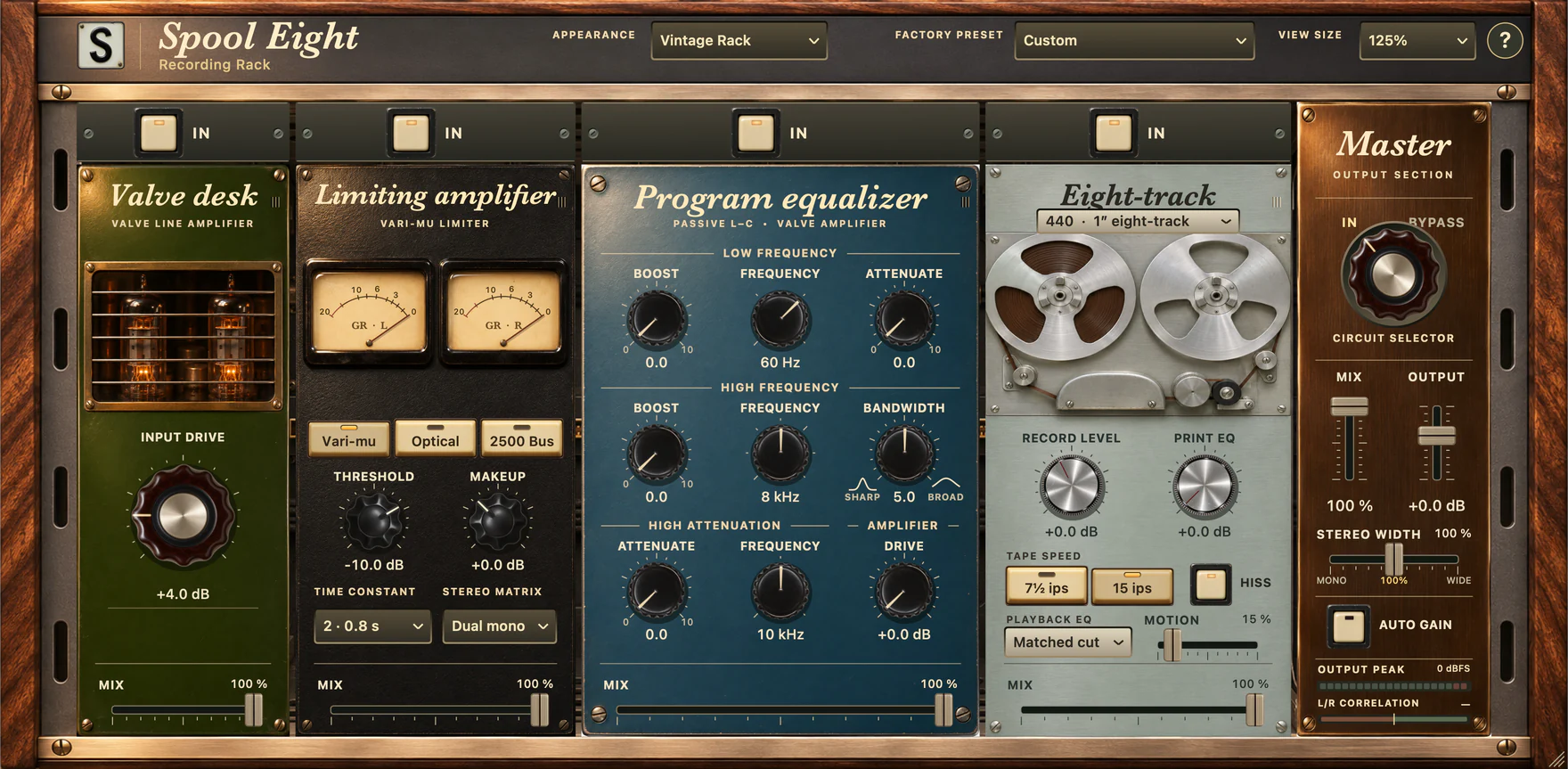
The half-inch eight-track
Spool Eight started with a question. What happens if you boost the treble on the way to tape and cut it again on playback? The rack includes both sides of that tape path, along with a valve desk, three compressor types and a passive program EQ.
- Desk and dynamics
- Run the valve stages into a variable-mu, optical or stereo VCA compressor. Each responds differently to the front of a drum hit.
- EQ and tape
- Choose half-inch or one-inch eight-track, or a quarter-inch mix print. Try the EQ on either side of the recorder and trim each stage against bypass.
- Rack controls
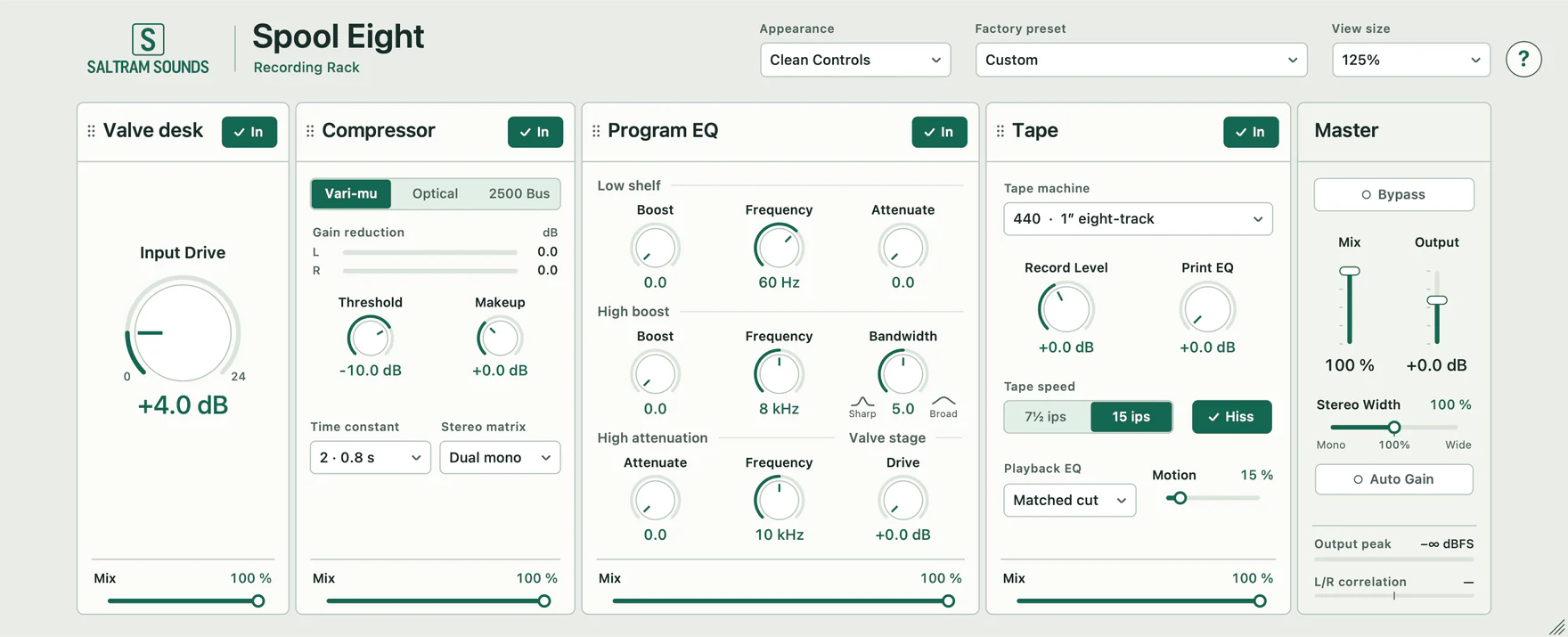
- Switch from the faceplates to Clean Controls for a compact view with numeric readouts. Both views use the same settings. An operator’s guide is built in.
Print bright, play back flat
- Load 58 Treble Print from the earlier Spool Eight setups. Loop a bright guitar or a hat pattern.
- Compare 0 dB and +6 dB Print EQ with matched Playback EQ. Keep your monitor level fixed and listen to the attack.
- Raise Record level a little and repeat the comparison. Listen to a quiet hit as well as a loud one.
What’s modelled
The half-inch 15 ips model draws on published measurements of one TASCAM 58. Other curves use published specifications and design choices. Each instance processes a mono track or a stereo pair. To print eight separate tracks, insert the rack on each source.
Before and after the tape
Follow the attack of the hi-hat as treble is added before recording and taken back out on replay.
- Dry
- Unprocessed drum loop
- Processed
- Half-inch tape with print EQ
Audio demo pending.
Specifications
- Format & version
- AUv2 · 1.8.4
- Build target
- macOS 13 or later
- Processor
- Apple silicon & Intel
- Channel layouts
- Mono and stereo